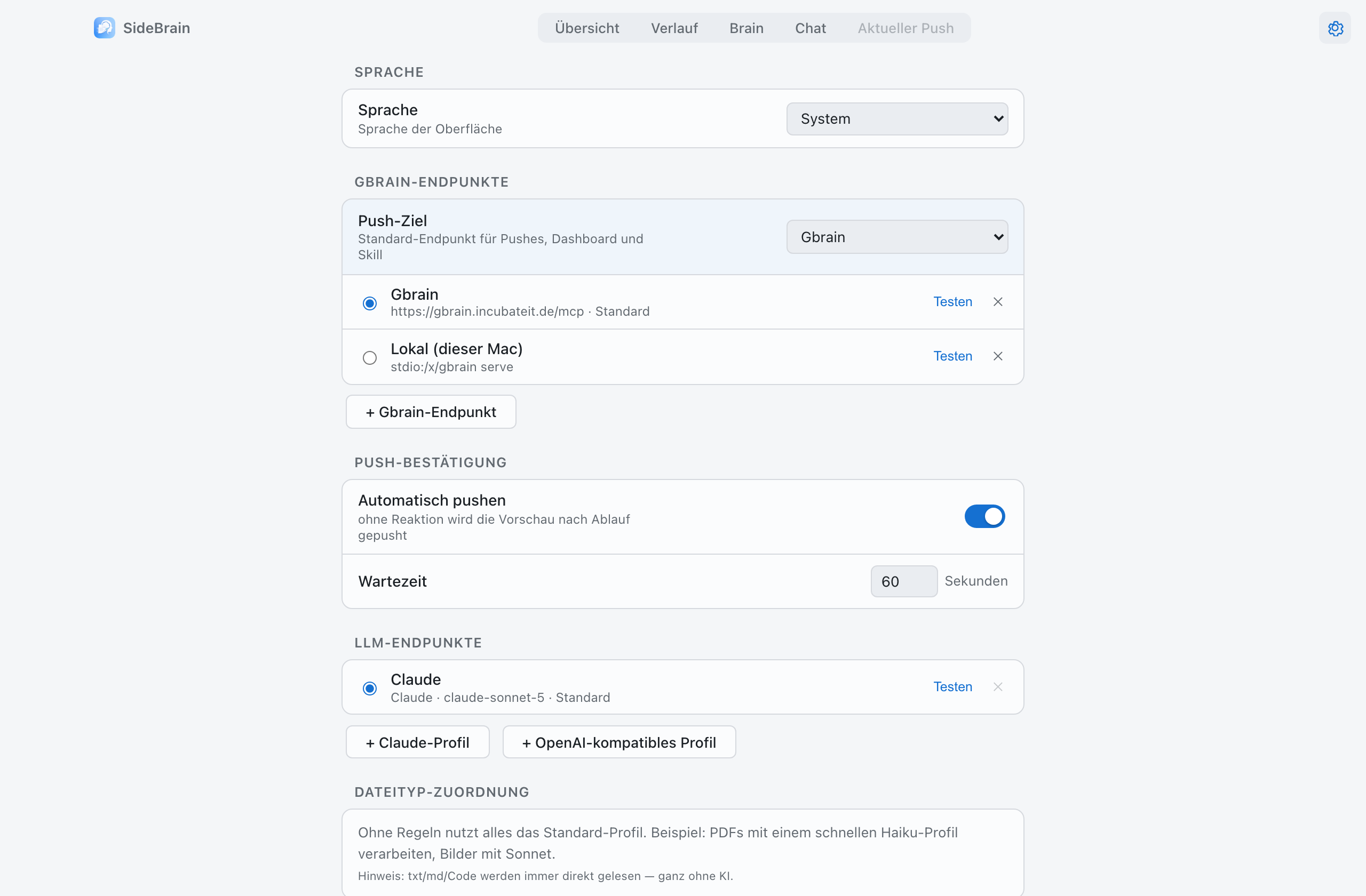
The local MCP server can be switched on and off in the settings.
Check the serverThe local MCP server runs while SideBrain is open. Address, port, token protection and status are in the settings.
Connect a clientStreamable HTTP at http://127.0.0.1:8765/mcp, or via the stdio start command. Claude Desktop has a one-click installation of the configuration.
Use the toolsPush (files, text, URLs), search and think, read or write depending on the token scope. With several brains you also get think_all and one think tool per brain.
No setup at allThe context chip (⌃⌥C) offers notes matching the active window, ready to paste into any chatbot. Enable it in the settings.
By default the server listens on localhost only. No telemetry, no account, and the AI runs at your own endpoint (BYOK).
Try it with your next document.
Download SideBrain for macOS, start a Capture, confirm the note.